
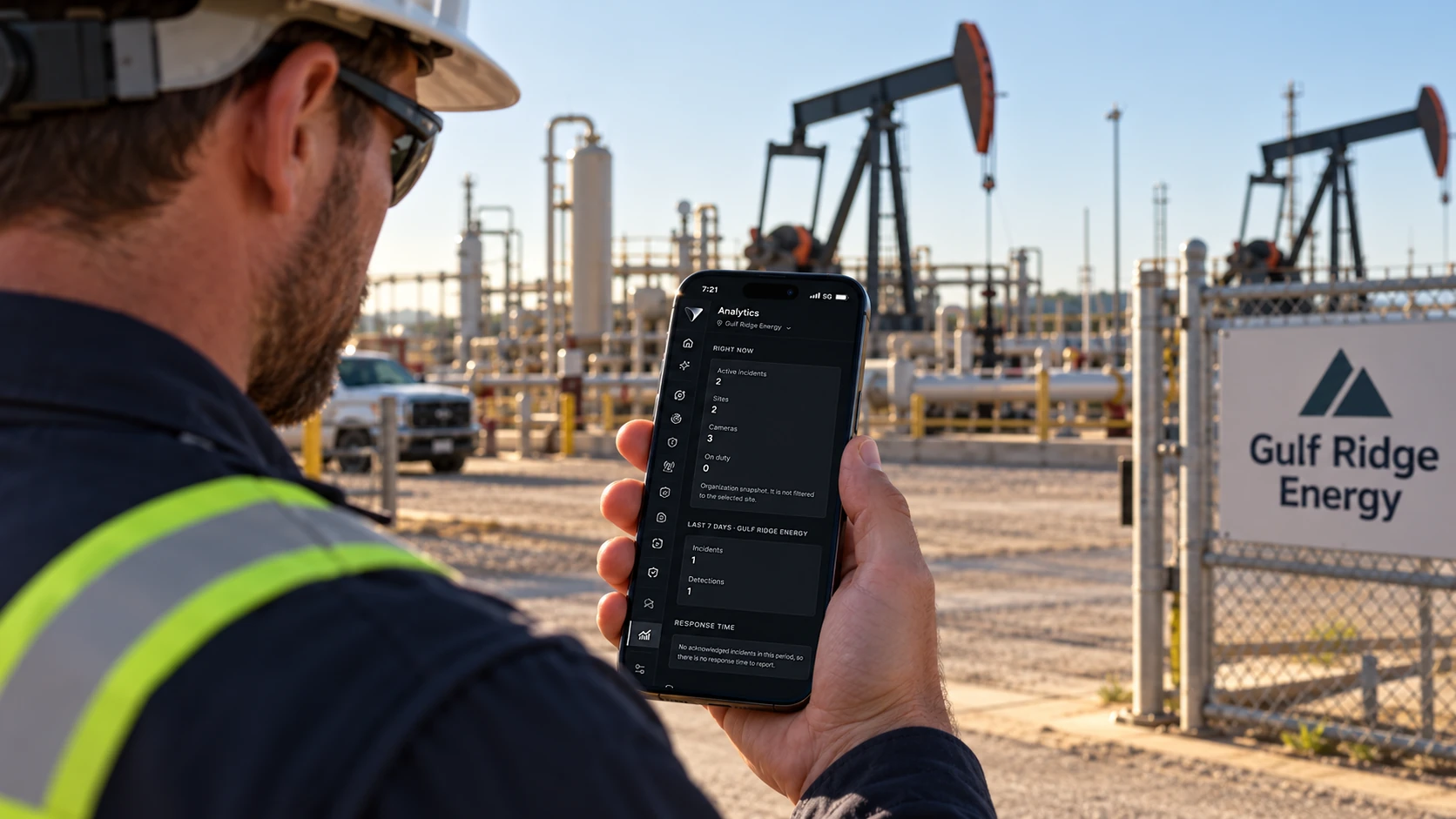
Getting each Virtik surface
Most of Virtik is not something you download. The operator surface runs in a browser, the workstation is a configuration, and the mobile surface is distributed to your teams as part of onboarding.
Surfaces
What you need, and how you get it
Virtik Web
The operator surface runs in the browser — no installation required. It is also an installable progressive web app, so it can be added to a desktop or home screen and opened like a native application.
Available now
Mobile Operations
The field surface for presence, attendance, evidence capture and incident response. The application is built, and public store distribution is not yet available — it is not on the App Store or Google Play, and there is no public build to download.
Not publicly distributed
Command Center workstation
A fixed operating position in a control room. Configuration and display requirements are covered in the Installation Center.
Configuration, not a download
Why there are no store links here
Mobile Operations is not published to the App Store or Google Play. The application is built and works, but store distribution has not been set up — so there is no listing to link to and no public build to download.
We would rather say that here than have you discover it during onboarding, when a field team is waiting for the build.
Mobile deployment happens with your team during onboarding, which also covers device enrolment and the location permissions the field surface needs.
Deploying now
The Installation Center covers requirements, network, identity and verification for each surface.