
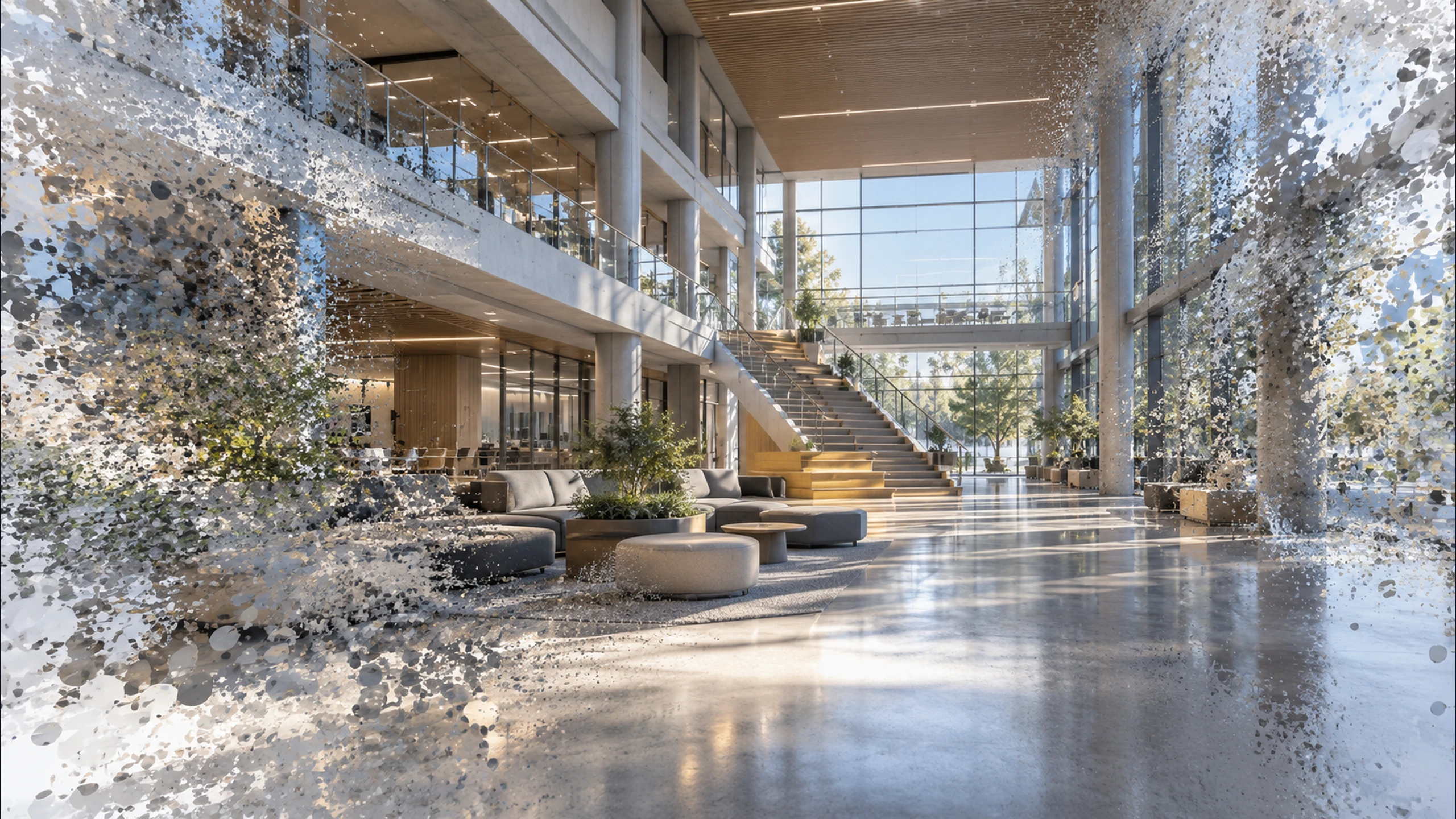
A site model your operators can actually navigate — and that the rest of the platform can read.
Author navigable 360° site models, bind cameras to space, and keep the twin aligned to the real site.
The problem
What goes wrong without it
Site knowledge lives in drawings and in people's heads. Neither is available to a system during an incident, so the question 'where exactly is this' gets answered by whoever happens to know the building.
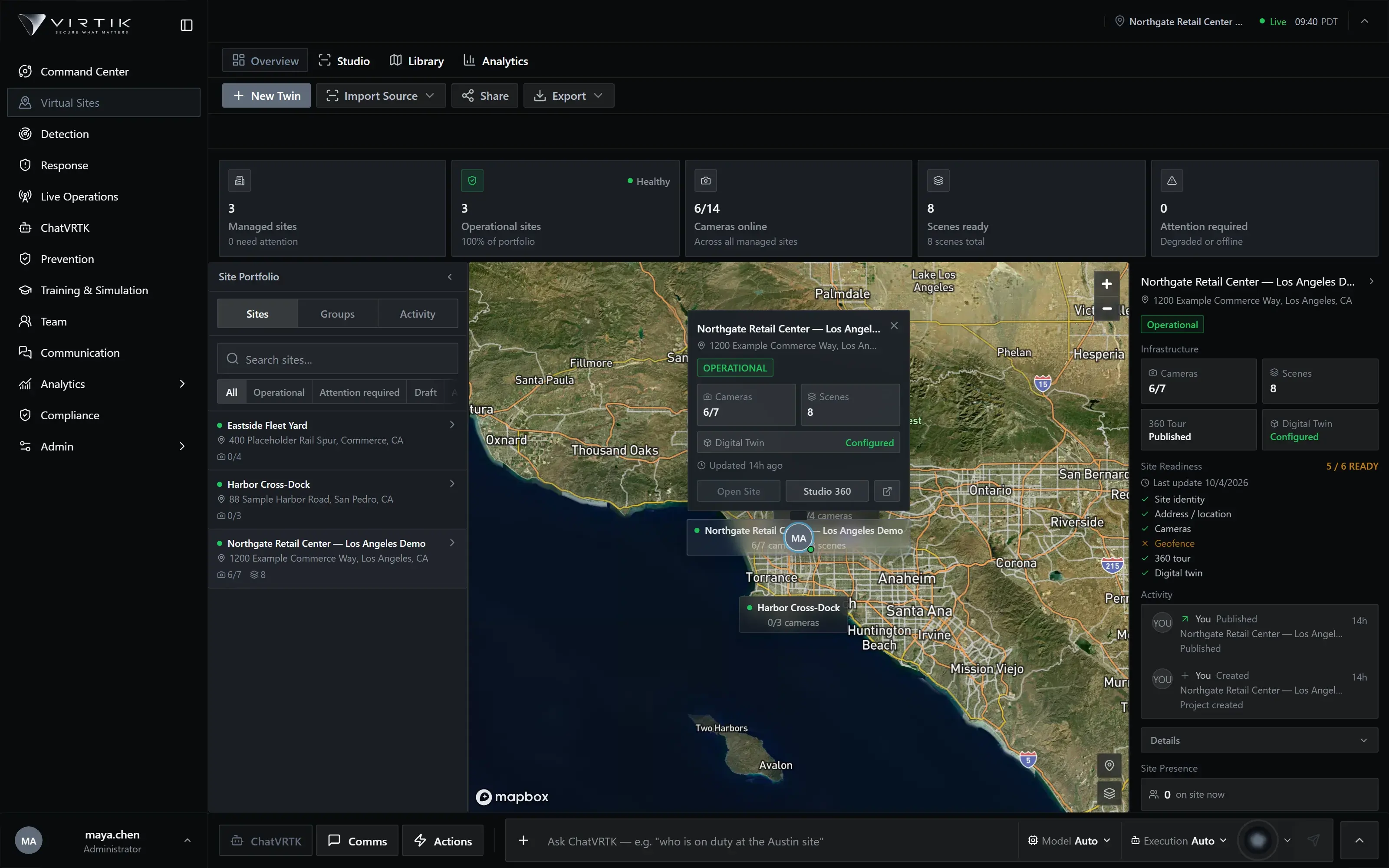
Virtual Sites turns a site into a navigable model: linked 360° scenes, cameras bound to the positions they really cover, and a site graph that other modules resolve against. Once the twin exists, a detection can name a zone instead of a coordinate.
Capabilities
What Virtual Sites does
Described from the current product build. Availability can depend on your deployment and plan.
- Navigable 360° scenes linked into a walkable site graph
- Cameras bound to positions and fields of view within the model
- Hotspots for documents, assets and operational context
- Drift detection when the model and the real site diverge
- The same model reused for response, training and after-action review
- Studio authoring for scenes, links and spatial annotations
Operational workflow
How it is used
These are ordered stages of real use, not a feature list rearranged.
- 01Capture
Bring 360° imagery and floor plans into the site library.
- 02Author
Link scenes into a graph that matches how people actually move.
- 03Bind
Place cameras and assets at their real positions and orientations.
- 04Maintain
Drift detection surfaces where the model has fallen behind the site.
Operating it
Integration, security and deployment
Integrations
- 360° capture equipment and imagery pipelines
- Camera systems for binding feeds to positions
- Floor plan and CAD source material
- Storage for site media and exports
Security & permissions
Site models are tenant-scoped and access-controlled per site, not per organisation alone. Exported media inherits the same authorisation, so producing a walkthrough does not create an unprotected copy of the building.
Security modelDeployment
- Requires 360° imagery or floor plans for each site to be modelled
- Camera binding requires the camera inventory to be configured first
- Authoring is a desktop workflow; consumption works on any surface
Documentation
Where the detail lives
Documentation for this module is being prepared against the product. It is not published yet.
We publish documentation only once it has been checked against the product, rather than listing procedures nobody has run. The documentation home shows what is written, in review or planned.
Documentation homeRelated
Modules that share this model
These read from the same sites, personnel and incidents.
See Virtual Sites against your own sites
A working session using your operational context rather than a scripted tour. If your operation fits a plan available online, we will say so rather than route you through a sales process.